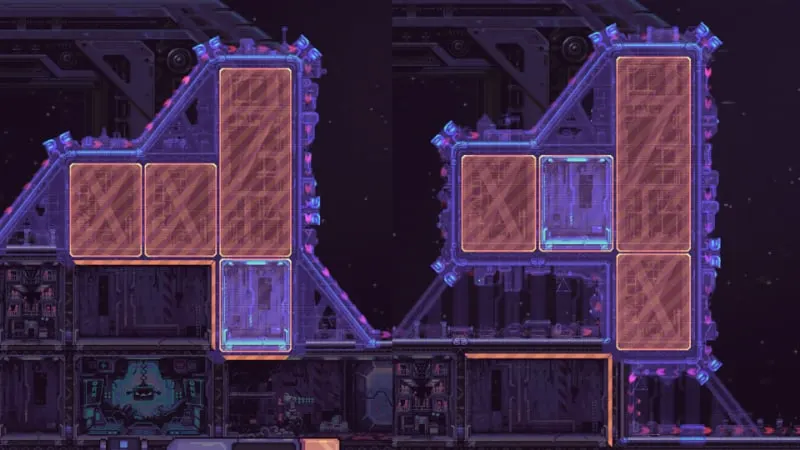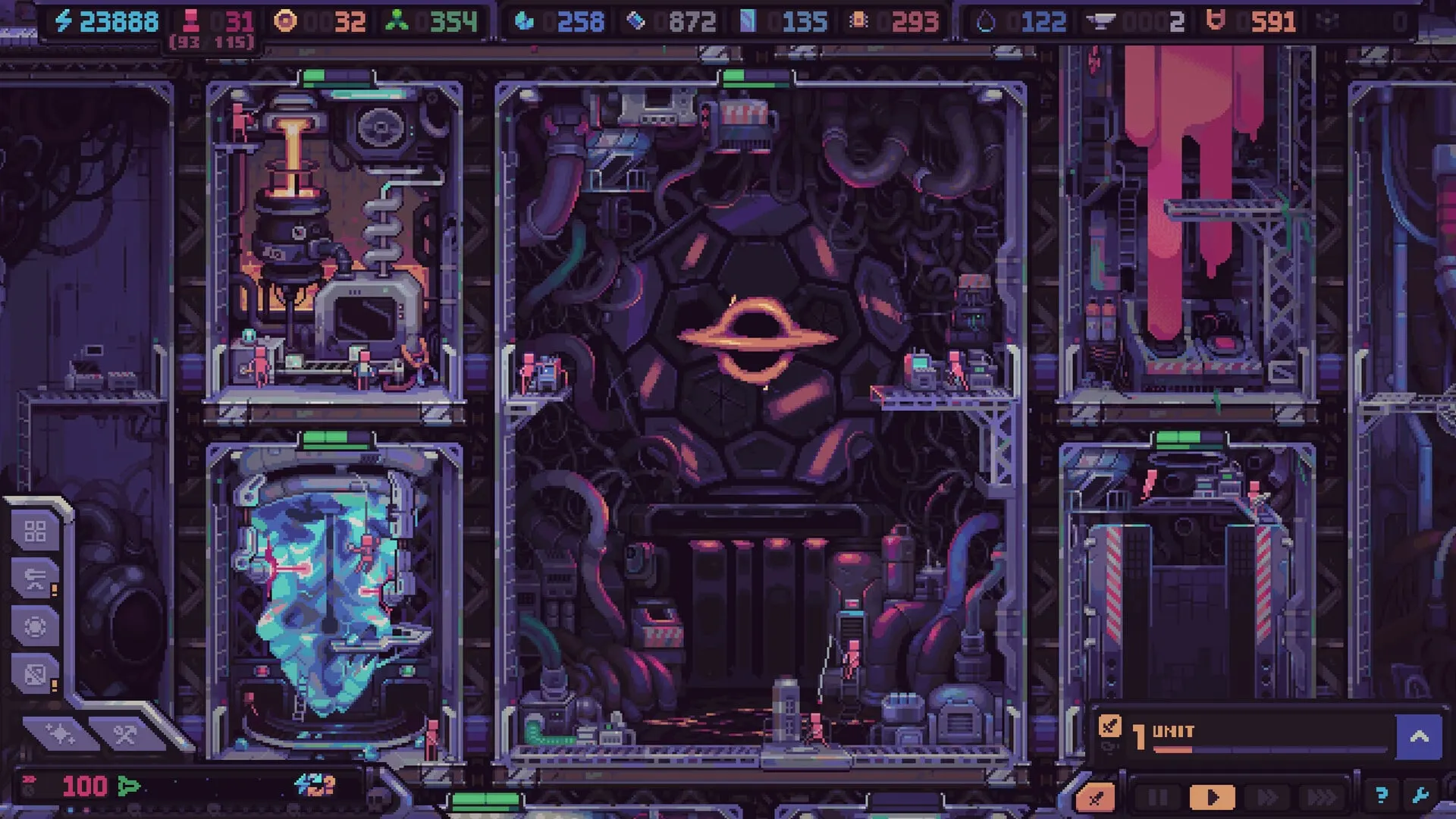
Hull Rupture modules are the rooms inside the hull. Some produce resources, some convert humans into other resources, some store what you make and some keep the ship moving. The complete roster is larger than the publicly confirmed list, so the archive focuses on modules named in official screenshots and developer posts.
Module overview
Every module adds weight, draws power and competes for workers. That makes “what does it produce?” only half the question. The other half is “what does it cost to keep running?” A module that produces a resource you cannot store or use is not an upgrade; it is a new bottleneck with a maintenance bill.
| Module | Group | Role | Placement note |
|---|---|---|---|
| Despot’s Chamber | Core | Produces free random module kits and buffs adjacent modules | More assigned humans means more kits. Adjacency makes it an economy anchor. |
| Airlock | Core | Final defense point and crew defense staging area | Never block access. Units here are a safety net, not your primary defense. |
| Engine | Propulsion | Converts fuel and crew into travel speed | More engines and higher levels mean faster travel but more fuel demand and mass. |
| Human Storage | Logistics | Increases human capacity | Build before your Reproducer output is wasted at the cap. |
| Artifact Storage | Logistics | Holds artifacts and supports artifact synergies | Useful when event rewards start outpacing your slots. |
| Weight Distorter | Propulsion | Counteracts ship mass | One answer to the expansion-versus-speed tradeoff. |
| Reproducer | Production | Produces new humans | The workforce engine. Modifiers can turn it into a combat support piece. |
| Bioreactor | Conversion | Converts humans into fuel | Use the Auto control to keep a two-human queue running without constant clicks. |
| Human Converter | Conversion | Processes humans into another resource | A deliberate trade: workforce now for output later. |
| Fuel Gen. | Production | Produces fuel | Pair with engine demand. Fuel is a momentum resource, not a banked one. |
| Token Gen. | Production | Produces tokens | Feeds the shop loop. Strong when your build needs flexibility, weak when inputs starve. |
| Microchip Gen. | Production | Produces microchips | Required for higher-tier construction and defense. Protect its input chain. |
| Mineral Generator | Production | Produces minerals | Can be modified by event rewards such as mushroom growth. |
| Mystic Goo Generator | Production | Produces Mystic Goo | Exotic input with event and modifier interactions. |
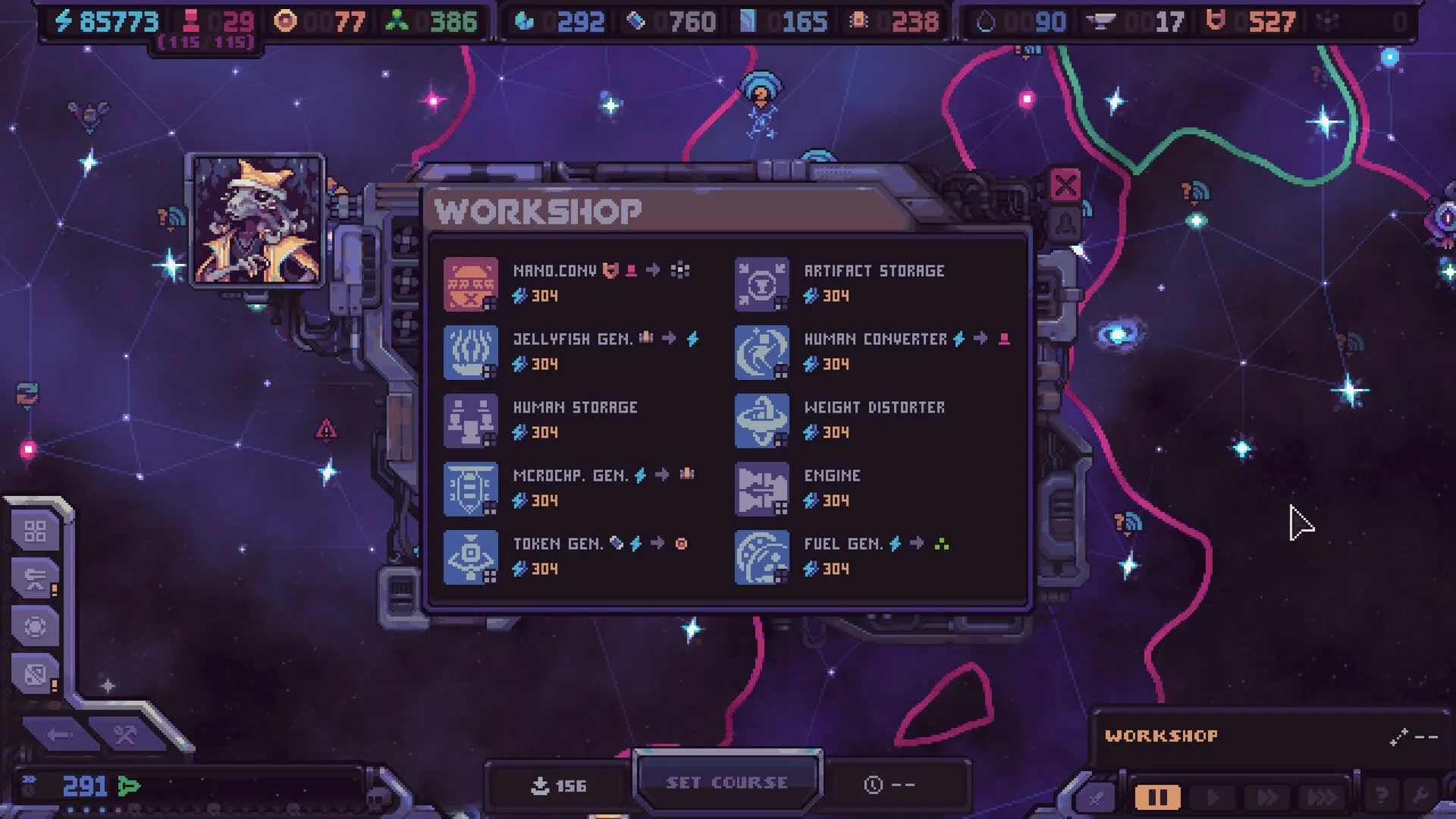
| Jellyfish Gen. | Production | Biological resource generator | Seen in the workshop; check its input icons before buying. |
| Nano.com | Production | Nanobot-related production module | Appears as NANO.COM® in the Workshop. A late-chain target, not an early buy. |
Core and support modules
Despot’s Chamber
The Chamber is the run’s identity module. It buffs adjacent modules and produces free random module kits when staffed. More humans means more kits, but the output is slow and random. Place it at the center of a compact production cluster so its adjacency bonus affects rooms you actually care about, and staff it after the economy is stable enough to spare hands.
Airlock
The Airlock is the final defense point and the place where crew units stage. It is not a production room and should never be blocked by a hull block. Treat its defenders as a safety net behind the turret kill zone.
Production modules
Production modules generate resources. The confirmed examples include the Reproducer (humans), Fuel Gen. (fuel), Token Gen. (tokens), Microchip Gen. (microchips), Mineral Generator (minerals), Mystic Goo Generator (Mystic Goo) and Jellyfish Gen. (a biological resource, exact output shown in-game). Nano.com appears in the Workshop list and is associated with nanobot production.
Production rooms are only as good as their inputs and workers. Before building a second generator of the same type, check whether the first is fully staffed and whether its output is being consumed or stored. A room producing into a full tank is idle with extra steps.
Conversion modules
Conversion modules turn one resource into another. The Bioreactor is the most famous: humans go in, fuel comes out. The Human Converter processes humans into another resource. Conversion is powerful because it lets you trade a resource you have for one you need, but it always costs the input plus the worker time.
The Bioreactor’s Auto control maintains a small queue so you do not have to click for every unit of fuel. Use it when humans are abundant; turn it off when the population is thin or fuel storage is full. The converter does not know the difference between a spare worker and a critical one.
Storage and propulsion
Human Storage raises population capacity; build it before the cap, not after. Artifact Storage holds artifacts and supports artifact synergies. The Engine converts fuel and crew into travel speed. The Weight Distorter counteracts ship mass, which is one answer to the expansion-versus-speed tradeoff.
Propulsion modules do not produce a resource, so they are easy to postpone — and that is exactly how runs die. If the ship cannot reach the next shop or event before the wave timer expires, the factory’s efficiency is irrelevant.
Modules that are not listed yet
The full release has more modules than the ones named in public screenshots. New modules that produce the same resource in different ways are planned, including a module with a switch for choosing which Uncommon resource it produces. This archive will expand after launch.
How to choose the next module
- Name the bottleneck. Is a room unstaffed, unpowered, missing an input or capped on output?
- Check the space. Do you have a buildable slot adjacent to a completed module?
- Check the kit. Do you own the module, or are you hoping the next box provides it?
- Check the input bill. Can your existing chain supply the new room without starving another?
- Check the mass. Will the extra weight delay the next route or force another engine?
- Check the alternative. Would a turret, storage room or engine solve the problem more cheaply?
What is confirmed
Module names in this archive come from official Steam screenshots and developer posts. Roles are inferred from names, icons, recipes and the developers’ descriptions. Exact costs, production rates and recipe ratios are not published; we do not invent them. As of October 30, 2026, the game is still pre-release and the roster may change on November 4.
Next step
Read the production and resources guide to see how modules fit into a working chain, then the Hull Construction guide to make space for them.