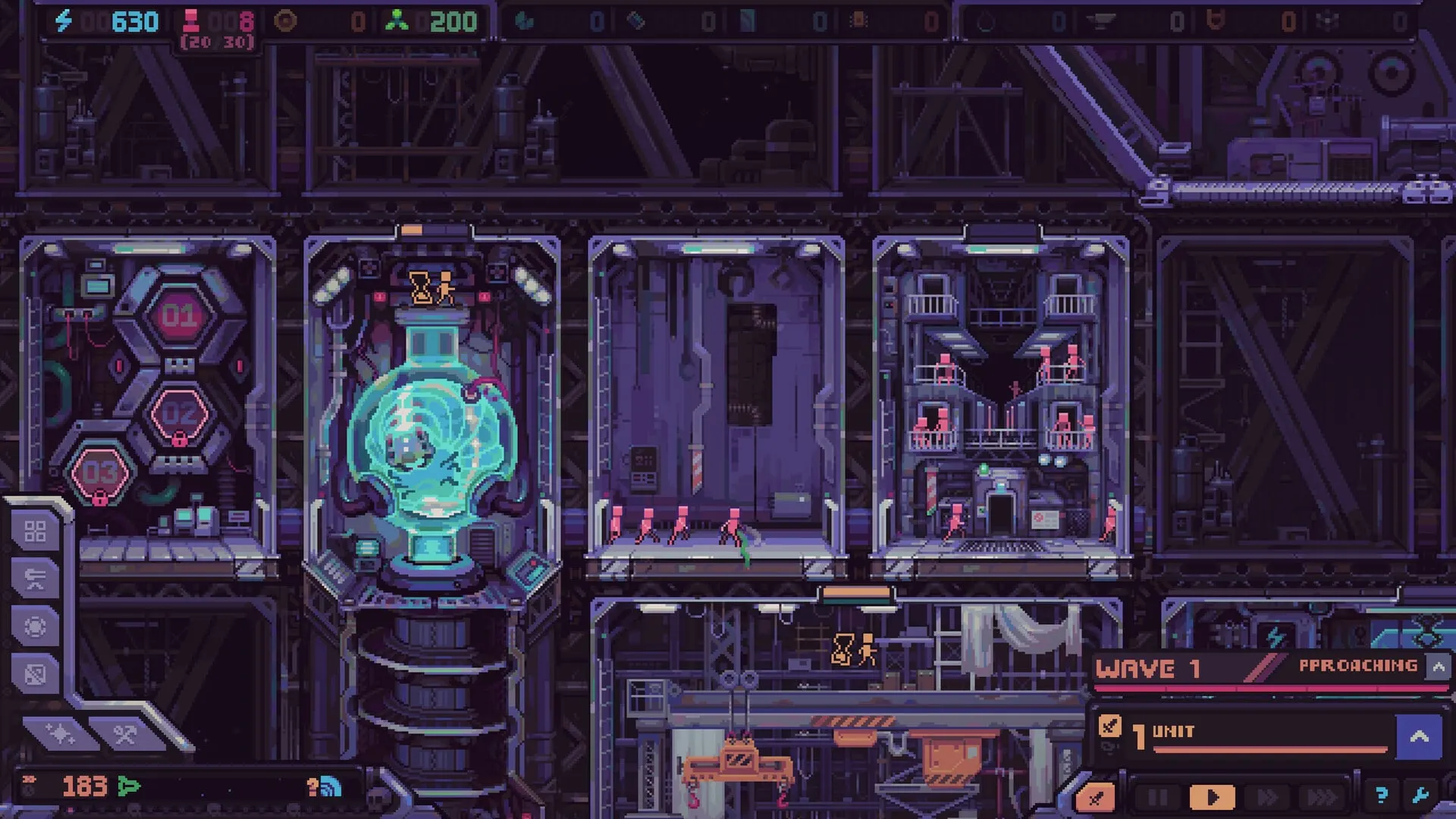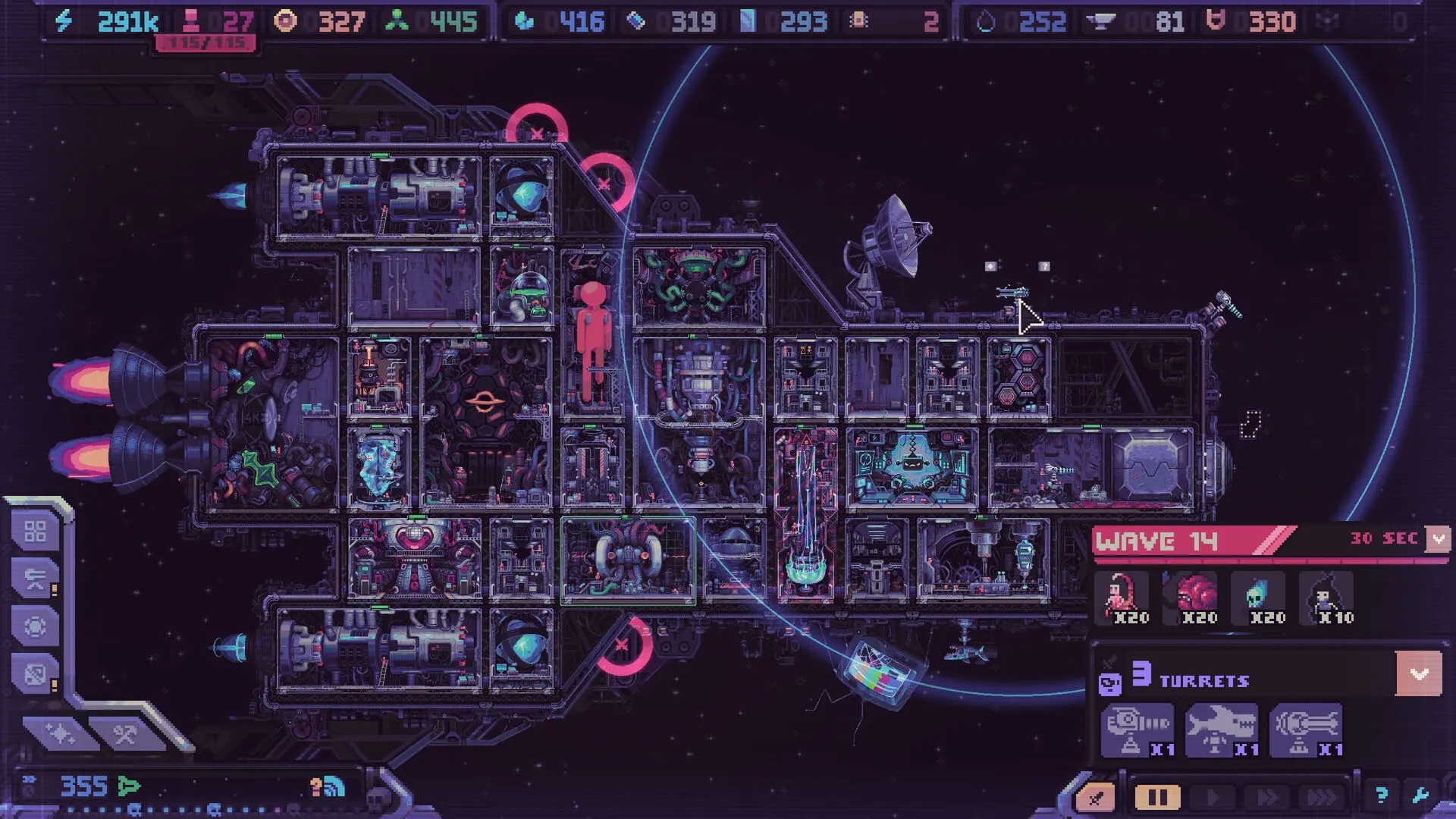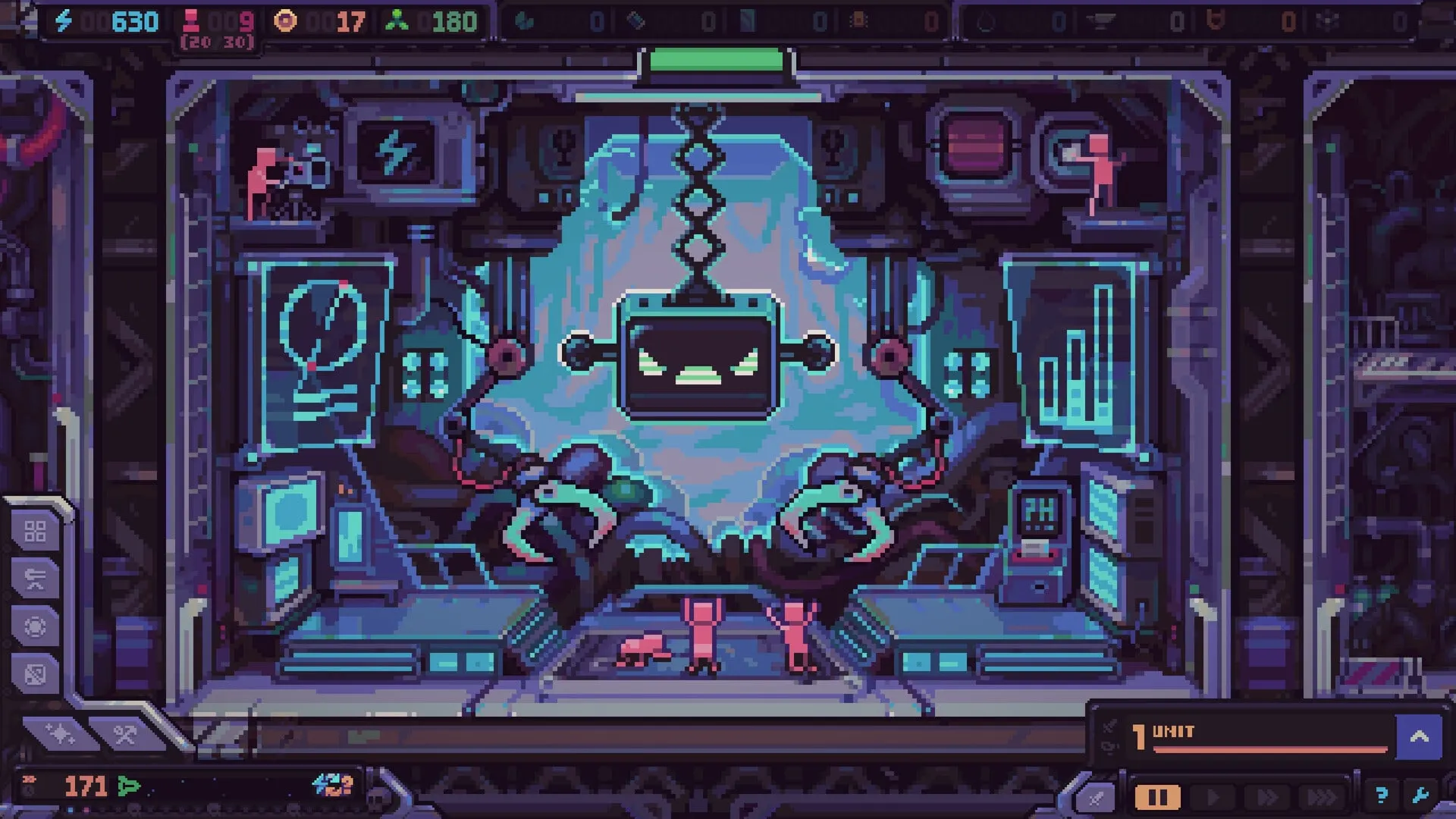
Hull Rupture’s minimum requirements are modest on the graphics side and unusually specific on the CPU. The store lists an Intel i7-8700 or Ryzen 1600, 8 GB of RAM and a GTX 670 / HD 7970. That combination suggests the simulation — modules, workers, waves and pathing — matters more than raw pixel rendering.
Quick answer
OS
Windows 10 21H1+, macOS Big Sur 11+, Ubuntu 22.04+
CPU
Intel i7-8700 or AMD Ryzen 1600
RAM
8 GB
GPU
GeForce GTX 670 or Radeon HD 7970
DirectX
Version 11 (Windows)
Storage
2 GB available
Recommended specs
Not published
Steam Deck
No official Verified status
Windows minimum requirements
| Component | Minimum |
|---|---|
| OS | Windows 10 version 21H1 or newer (64-bit) |
| Processor | Intel i7-8700 or AMD Ryzen 1600 |
| Memory | 8 GB RAM |
| Graphics | GeForce GTX 670 / Radeon HD 7970 |
| DirectX | Version 11 |
| Storage | 2 GB available space |
The GTX 670 is a 2012-era card, while the i7-8700 is a 2017-era CPU. The mismatch is a hint: the game is not GPU-heavy at minimum settings, but it can become CPU-heavy when hundreds of humans, aliens and projectiles are active. If your machine has a modern GPU but an older dual-core CPU, expect the simulation to be the bottleneck.
macOS minimum requirements
| Component | Minimum |
|---|---|
| OS | macOS Big Sur 11 or newer |
| Processor | Apple M1 or Intel 9750H |
| Memory | 8 GB RAM |
| Graphics | GeForce GTX 670 / Radeon HD 7970 |
| Storage | 2 GB available space |
The macOS GPU field appears to mirror the Windows listing rather than describe a Mac-specific GPU requirement. Apple Silicon Macs use integrated GPUs, and Intel Macs do not ship with a GTX 670. Treat the Apple M1 / Intel 9750H line as the realistic guidance, and ask the developer to clarify the GPU field if you are unsure.
Apple Silicon launch issue
Some demo players on Apple Silicon Macs have reported a failure to start, apparently related to Rosetta. The store lists Apple M1 support, but no official fix or workaround is confirmed. If you are buying primarily for a Mac, check the Steam discussions after launch.
Linux and SteamOS minimum requirements
| Component | Minimum |
|---|---|
| OS | Ubuntu 22.04+ (64-bit) |
| Processor | Intel i7-8700 or AMD Ryzen 1600 |
| Memory | 8 GB RAM |
| Graphics | GeForce GTX 670 / Radeon HD 7970 |
| Storage | 2 GB available space |
A native Linux build is listed, which is good news for SteamOS and desktop Linux users. Steam Deck compatibility is unconfirmed, but the Linux build means the game can be tried without Proton. Performance on the Deck’s APU will depend on how CPU-heavy the late waves become.
Why are there no recommended specs?
The Steam page leaves the recommended section empty for all three platforms. This is common for indie releases before launch, but it matters for buyers. Without a recommended tier, there is no official answer to “what do I need for a stable 60 FPS at 1080p?”
A sensible unofficial target, given the minimums and the simulation-heavy design, would be a modern quad-core CPU, 16 GB of RAM and any GPU from the last several years. That is a recommendation, not a Konfa Games statement. If your machine is near the minimum, use the demo as the benchmark before buying.
Performance, Steam Deck and troubleshooting
What the developer has said
Konfa Games has acknowledged performance issues in the demo, including slowdowns after wave 40. The studio says some issues are bugs being fixed, some are Endless-mode balance, and general optimization work is ongoing. At release, Endless becomes a separate mode so it can be tuned independently.
Practical performance tips
- Try the demo first. It is the most accurate benchmark for your machine.
- Cap the frame rate. A stable cap often feels better than an uncapped rate that swings during late waves.
- Lower resolution or UI scale. The pixel art scales cleanly; a lower resolution can relieve GPU load without ruining the look.
- Close background apps. The simulation is CPU-sensitive; browsers and overlays compete for the same cores.
- Report slow waves with details. The developer is actively collecting performance reports in the Steam discussions.
Steam Deck status
There is no official Steam Deck Verified rating. The Linux build is a positive sign, but verification also covers controls, text size and suspend/resume. If you plan to play primarily on Deck, wait for a report or try the demo through Steam before committing.
Hull Rupture system requirements FAQ
Quick answers
Hardware questions
Can my PC run Hull Rupture?
The minimum spec is an Intel i7-8700 or Ryzen 1600, 8 GB RAM, a GeForce GTX 670 or Radeon HD 7970, DirectX 11 and 2 GB of storage. A machine at or above those parts should run the game, though the demo’s later waves may still stress the CPU.
What are the recommended specs for Hull Rupture?
Konfa Games has not published recommended specifications. The Steam page lists only minimum requirements for Windows, macOS and Linux, with the recommended section left blank.
Does Hull Rupture run on Steam Deck?
There is no official Steam Deck Verified rating at the time of writing. The game has a Linux build and the demo can be tried through Steam, but compatibility and performance may vary.
Does Hull Rupture work on Apple Silicon Macs?
The Steam store lists macOS support with an Apple M1 minimum, but some demo players have reported launch failures on Apple Silicon related to Rosetta. Check the Steam discussions for current workarounds before buying.
How much storage does Hull Rupture need?
The Steam store lists 2 GB of available storage for all platforms. That is the minimum; leave some extra room for saves, shader caches and updates.
Why does Hull Rupture slow down after wave 40?
The developer acknowledged slowdowns after wave 40 in the demo’s Endless mode and said the mode is being rebalanced and optimized separately for release. General performance work is ongoing.
Next step
Check the platform status page for console, mobile and Steam Deck details, then read the demo guide to benchmark the game before launch.